Environment Setup1 min read
Docker: Package a Running Container and Quickly Take the Environment with You
I encountered a Docker environment that I needed to bring back for local debugging, so this article records the general process: locate the running container, package it as an image, copy it locally, and import the image.
Read in Chinese→I encountered a Docker environment that I needed to bring back for local debugging, so I recorded the general process here.
Docker: Package a Running Container and Quickly Take the Environment with You
Get the Running Container
docker ps
Find the container with ID 6996fffb6bfa.
Package the Container as an Image
docker commit -a "runoob.com" -m "my apache" 容器名称或id 打包的镜像名称:标签
Copy It Locally
docker save cnvd -o /Users/zy/Documents/source/sec.tar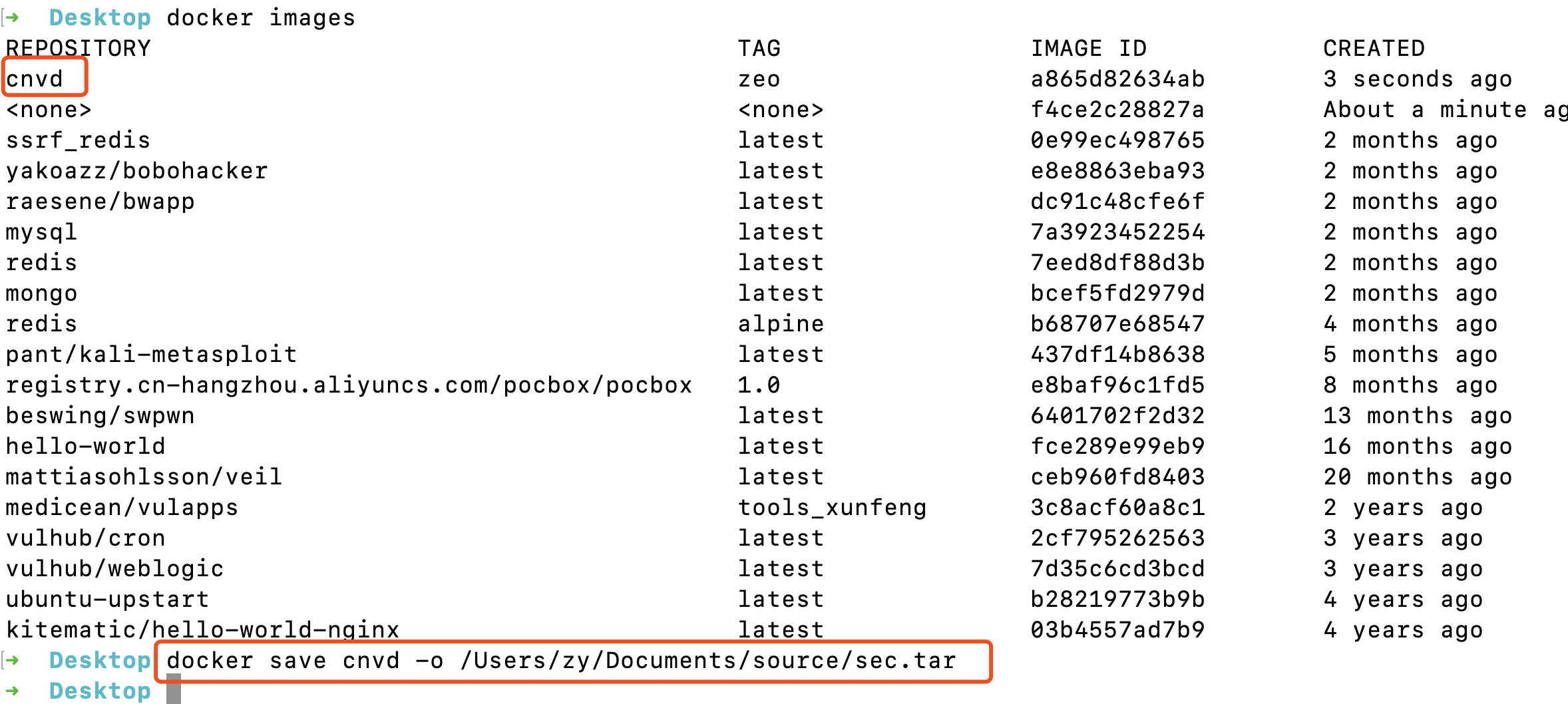
Import the Image
docker load -i hackgod-demo.tar