Developing and Publishing an MCP Service
Set up a Python environment, develop and test an MCP service locally, and build and publish the package to PyPI.
Read in Chinese→Developing and Publishing an MCP Service
Environment
The MCP service development environment requires Python 3.10 or later.
I recommend using uv to manage the Python environment: https://docs.astral.sh/uv/
It makes creating a standard package structure quite convenient.
MCP debugging tool: https://github.com/modelcontextprotocol/inspector
MCP service
Official documentation: https://modelcontextprotocol.io/quickstart/server
MCP Service
The main MCP communication methods are:
- Stdio transport
- Uses standard input/output for communication
- Ideal for local processes
- Streamable HTTP transport
- Uses HTTP with optional Server-Sent Events for streaming
- HTTP POST for client-to-server messages
stdio: Transfers data through standard input and output streams. It is simple to implement, highly compatible, and suitable for local development and testing.
sse: Allows the server to push real-time updates to the client. It provides one-way communication and is suitable for scenarios requiring continuous data updates, such as real-time notifications.
Note: After reading the documentation later, I learned that SSE mode has been deprecated, but many people still use it.
Creating the Project
mcp_requests % uv init . –package -p 3.13
Initialized project mcp-requests at /Users/xxxxx/Desktop/mcp_requests
mcp_requests % uv add “mcp[cli]”
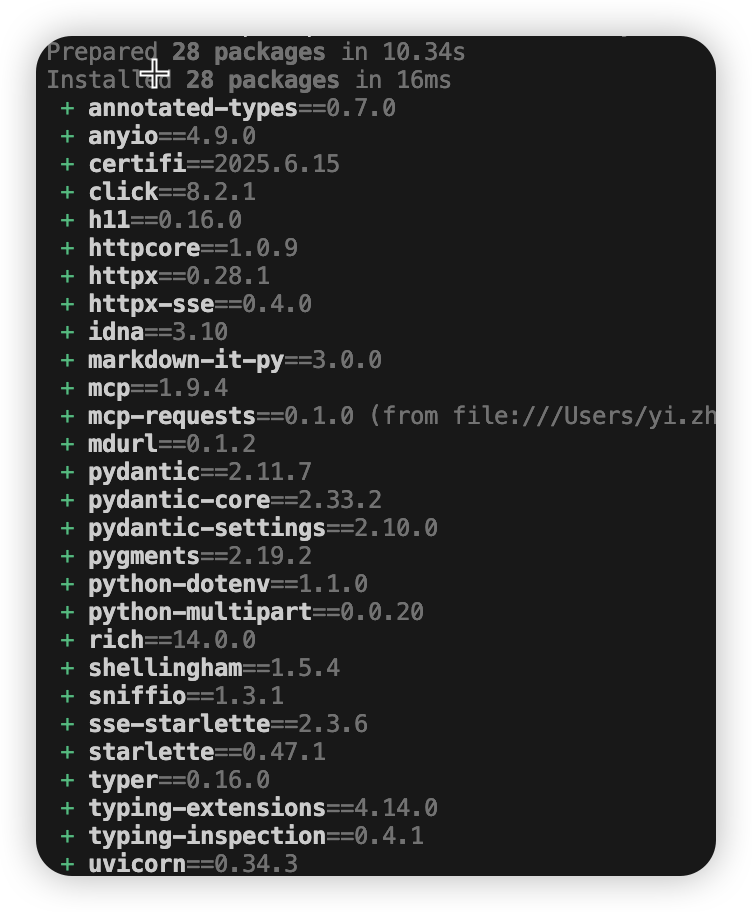
Here is some simple code that provides methods for sending HTTP GET and POST requests.
import json
from typing import Dict, Any, Optional
import httpx
from mcp.server.fastmcp import FastMCP

# Create an MCP server
mcp = FastMCP("HTTP Requests")

@mcp.tool()
def http_get(url: str, headers: Optional[Dict[str, str]] = None) -> str:
    """Make an HTTP GET request"""
    try:
        with httpx.Client() as client:
            response = client.get(url, headers=headers or {})
            return json.dumps({
                "status_code": response.status_code,
                "headers": dict(response.headers),
                "content": response.text
            }, indent=2)
    except Exception as e:
        return f"Error: {str(e)}"

@mcp.tool()
def http_post(url: str, data: Optional[Dict[str, Any]] = None, headers: Optional[Dict[str, str]] = None) -> str:
    """Make an HTTP POST request"""
    try:
        with httpx.Client() as client:
            response = client.post(url, json=data, headers=headers or {})
            return json.dumps({
                "status_code": response.status_code,
                "headers": dict(response.headers),
                "content": response.text
            }, indent=2)
    except Exception as e:
        return f"Error: {str(e)}"

@mcp.tool()
def http_put(url: str, data: Optional[Dict[str, Any]] = None, headers: Optional[Dict[str, str]] = None) -> str:
    """Make an HTTP PUT request"""
    try:
        with httpx.Client() as client:
            response = client.put(url, json=data, headers=headers or {})
            return json.dumps({
                "status_code": response.status_code,
                "headers": dict(response.headers),
                "content": response.text
            }, indent=2)
    except Exception as e:
        return f"Error: {str(e)}"

@mcp.tool()
def http_delete(url: str, headers: Optional[Dict[str, str]] = None) -> str:
    """Make an HTTP DELETE request"""
    try:
        with httpx.Client() as client:
            response = client.delete(url, headers=headers or {})
            return json.dumps({
                "status_code": response.status_code,
                "headers": dict(response.headers),
                "content": response.text
            }, indent=2)
    except Exception as e:
        return f"Error: {str(e)}"

def main() -> None:
    import asyncio
    asyncio.run(mcp.run(transport='stdio'))

if __name__ == "__main__":
    main()
Try invoking it locally for testing, then add the service in Cursor (other tools will also work; I just happened to have it installed, so it was more convenient).
{
  "mcpServers": {
    "request-server-aaddb": {
      "name": "request-mcp-server-aaddb",
      "type": "stdio",
      "description": "AADDb MCP server",
      "isActive": true,
      "command": "uv",
      "args": ["--directory",
"/Users/yi.zhai/Desktop/mcp_requests", "run", "mcp-requests"]
    }
  }
}
Started successfully.
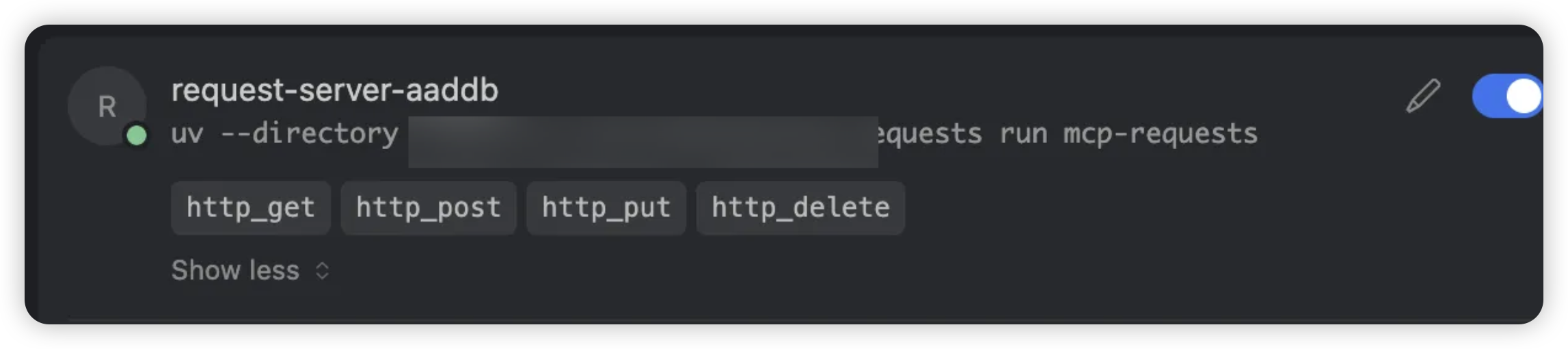
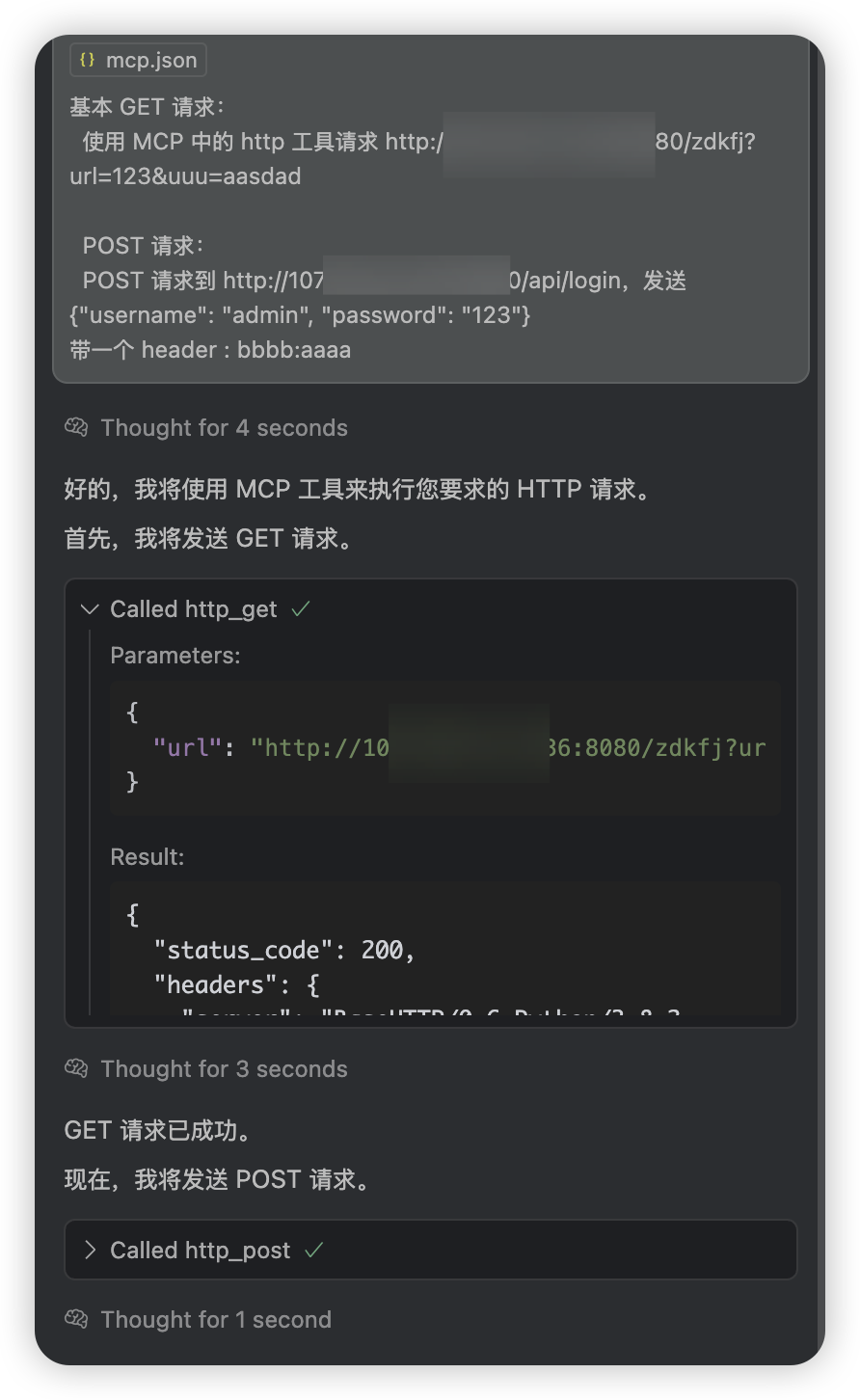
Try having the AI invoke it.
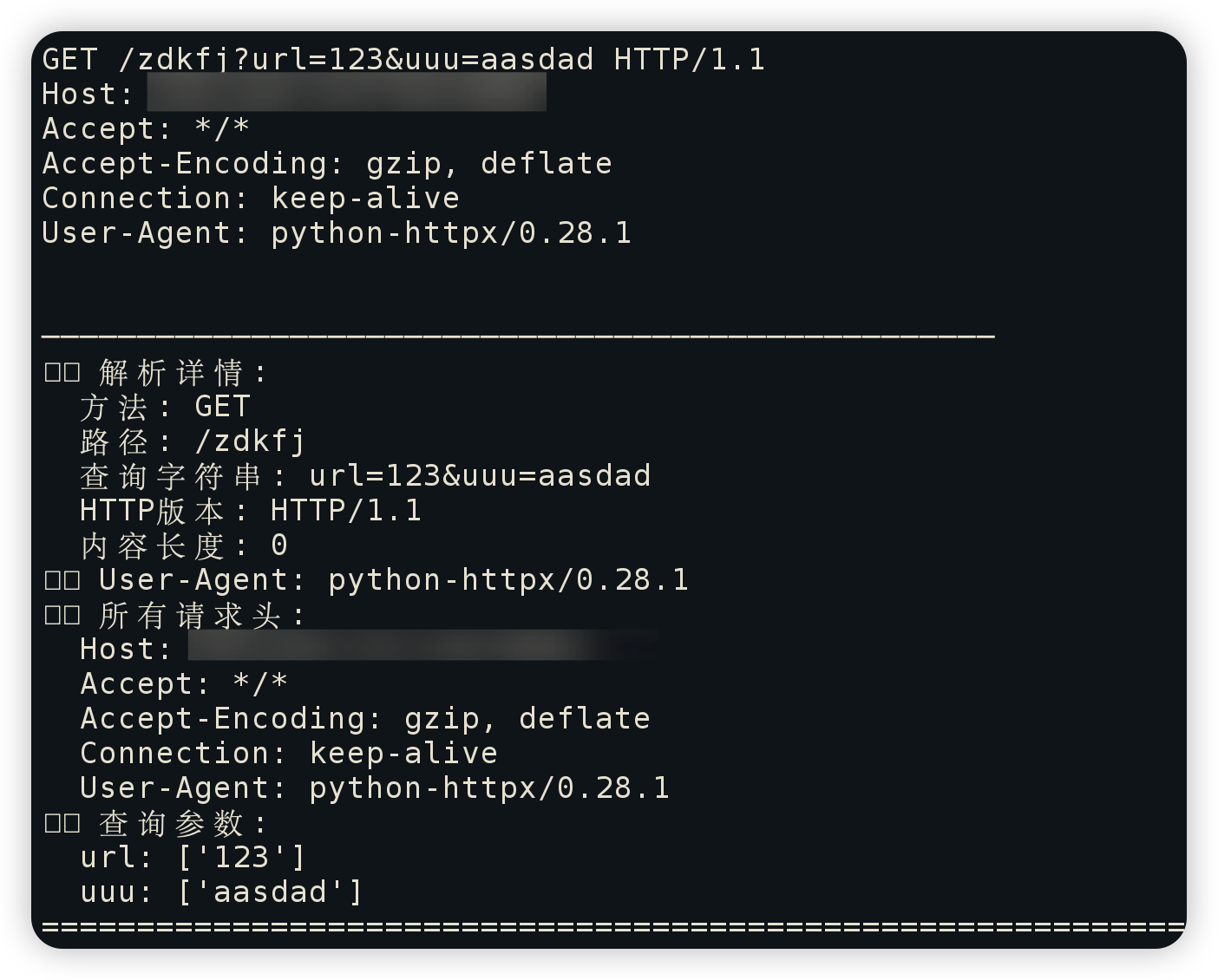
The service successfully received the request. The test passed, and the functionality worked end to end.
Summary of the Steps for Uploading to PyPI
Install the Build Tools
uv add build twine
Build
uv run python -m build
Upload
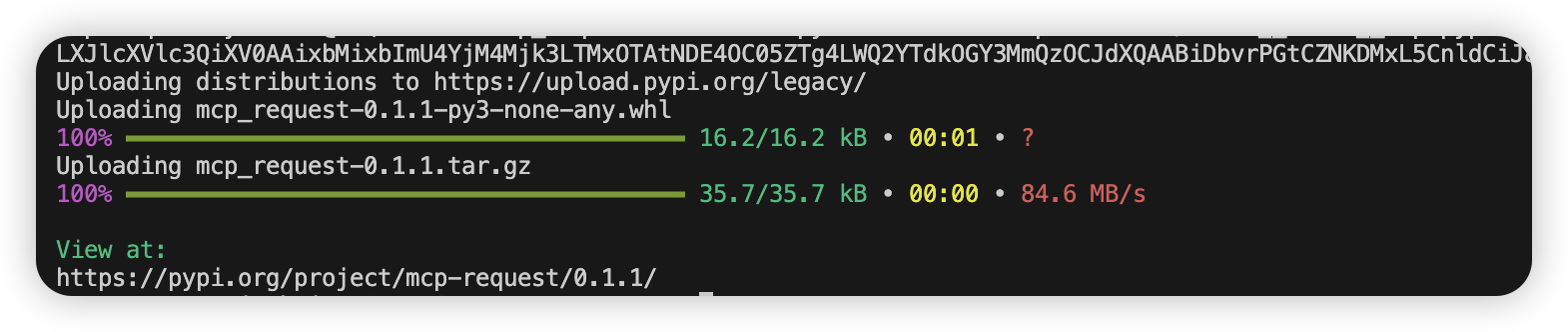
uv run python -m twine upload dist/* -u **token** -p pypi-xxxxxx
Success indicator:
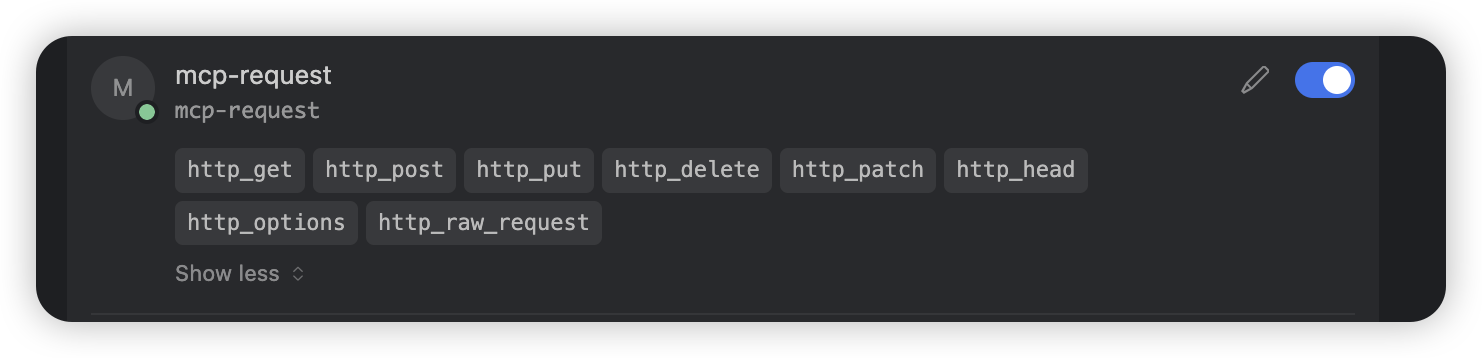
Finally, I tried importing and using it directly, and it worked without any issues.
{
  "mcpServers": {
    "mcp-request": {
      "command": "mcp-request",
      "type": "stdio"
    }
  }
}
The documentation service was ultimately published at:
https://pypi.org/project/mcp-request/ Feel free to try it out.