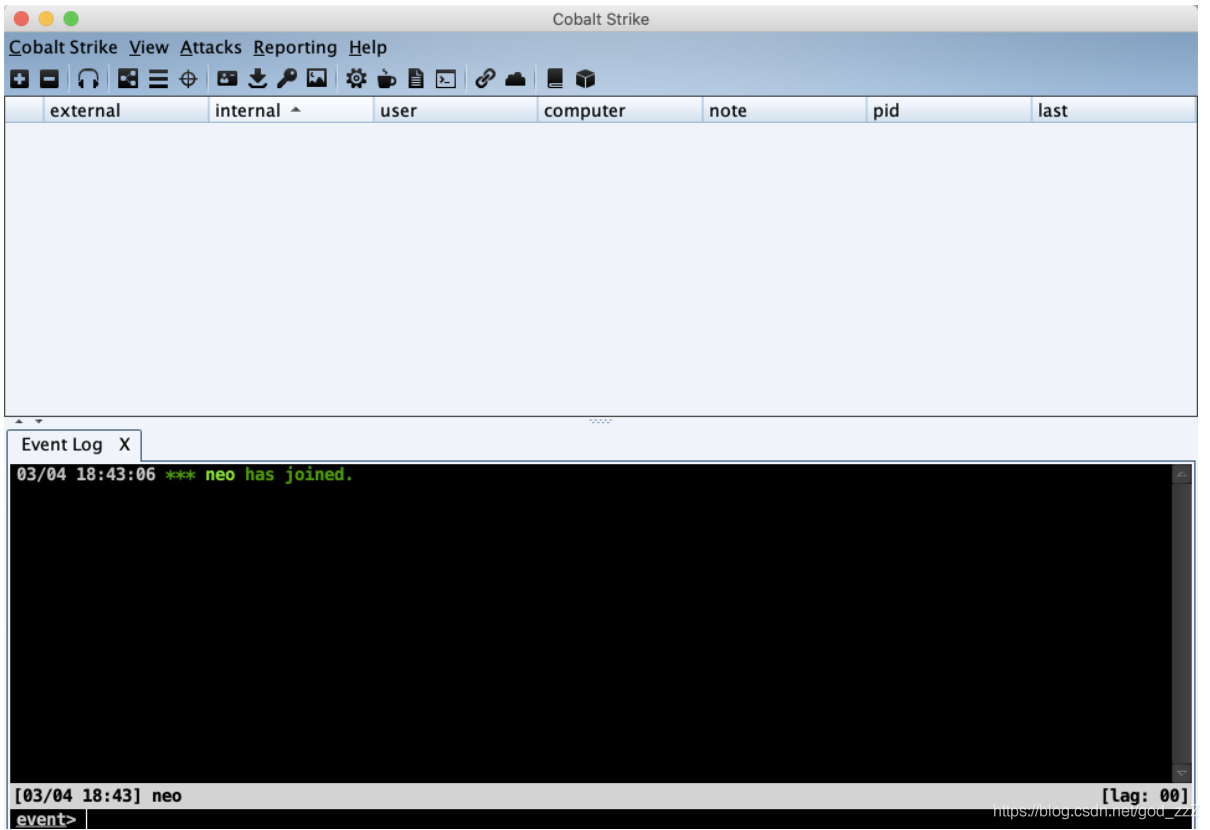
Internal Network Security Learning: From Beginner to Prison—Tool—Cobalt Strike \(CS\) Basics
Notes on the fundamentals of Cobalt Strike \(CS\), including its architecture, core terminology, setup process, and basic usage.
Read in Chinese→Internal Network Security Learning: From Beginner to Prison—Tool—Cobalt Strike (CS) Basics
Preface
-
This article mainly consists of notes taken after reading various materials about Cobalt Strike.
-
The references are rather disorganized; please contact me if there are any issues.
-
Although I do not have version 4.0 yet, I should still start learning it in advance.
Introduction to Cobalt Strike
Official paid software https://www.cobaltstrike.com/,Cobalt Strike licenses cost $3,500 per user; enough said.
-
Cobalt Strike is software used for “adversary simulation” and “red team operations.”
-
It is commercial penetration testing software with a C/S architecture. It supports multi-user team collaboration, can simulate APTs in adversarial exercises, and can be used for internal network penetration testing.
-
Personally, I consider it a powerful internal network tool, so I have included it in the internal network section.
-
Cobalt Strike is primarily designed for team operations. It can truly be called an exceptional team penetration testing tool, allowing multiple attackers to connect to a team server simultaneously and share attack resources, target information, and sessions.
-
As a collaborative APT tool, Cobalt Strike provides internal network penetration testing and APT command-and-control terminal capabilities, making it the preferred choice of many APT groups.
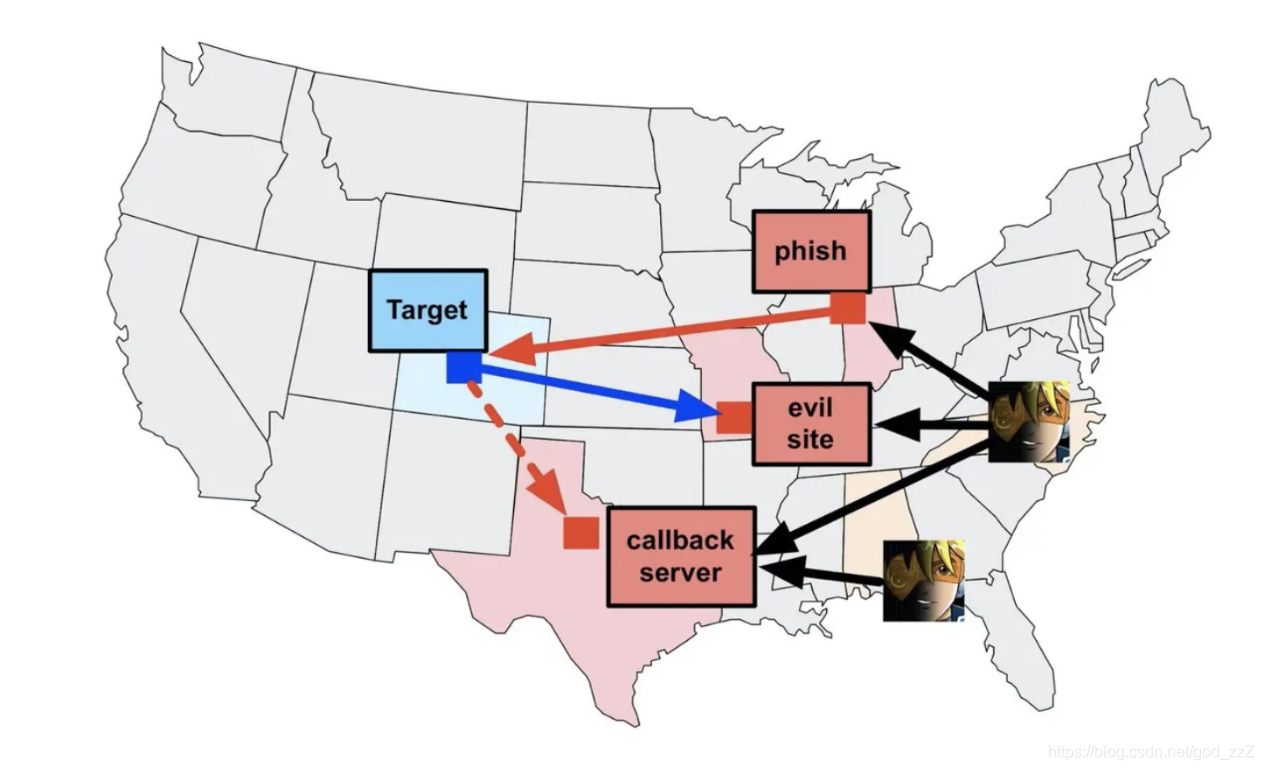
Explanation of Basic Terms
C2
C2 is short for Command & Control Server, meaning a command-and-control server.
Listener
A service run by an attacker on the C2 server that listens for Beacon requests (check-ins).
Beacon
Beacon is Cobalt Strike’s payload.
It is a malicious program implanted in a compromised system that can contact the C2 server and execute commands on that system.
-
It has two communication strategies (with the team server, which serves as the C2 in CS):
-
- Asynchronous communication = low frequency and slow speed
- Interactive communication = real-time C2 control over Beacon
-
It uses HTTP/S or DNS to exfiltrate network data.
agent
agent的本意为代理。当攻击者通过代码执行,有一个agent运行在目标网络中,就可以对目标网络进行命令与控制。所以agent` is effectively equivalent to the Beacon payload.
Server (Team Server)
The server component of Cobalt Strike. The Team Server (TS) is where Listeners are configured and started.
- Control — The Team Server is the primary controller for all payloads in Cobalt Strike, and all connections
bind/reverseto victims are managed by the Team Server.
Client (Client GUI)
The graphical interface used by team members.
Basic Setup Process
- (Optional) Select a C2 domain name.
- (Optional) Extend the Team Server — select or customize a C2 communication profile, the Malleable C2 profile, which can be configured with a valid SSL certificate and other settings.
- (Optional) Extend Client functionality — use AggressorScripts to modify or extend the client functionality of Cobalt Strike 3.*.
- Start the Team Server.
- Log in to the Team Server with the Client.
- Start a Listener.
- Generate a payload.
- (Optional) Make the payload antivirus-evasive to minimize antivirus detections.
- Use any available method to have the victim host execute the payload.
- Perform post-exploitation operations on the network containing the victim host.
Note: I may write a separate article about step 2 later.
C2 communication profile - Malleable C2 profile
- Defines the C2 communication format and modifies CS’s default traffic characteristics to counter traffic analysis.
- Before use, it is strongly recommended that you run the script on the Team Server to perform local unit testing of the profile and check its syntax.
./c2lint my.profile - Each Cobalt Strike Team Server can load only one profile. If multiple profiles are required, you can start multiple Team Servers, each with its own profile, and connect to all of them from the same Cobalt Strike client.
Basic Usage
Start the Team Server First```
启动Team Server
team server 必须以 root 权限运行 以便于监听端口号为0–1023的listener
默认使用50050端口 监听来自团队成员CS Client的连接请求
例如 sudo ./teamserver 192.168.0.100 123456
注意要给可以执行权限
chmod 777 teamserver

##### Startup Parameters./teamserver
- 1 - 必填参数
host本服务器外网IP/域名 - 2 - 必填参数
passwordClient GUI连接时需要输入的密码 - 3 - 可选参数
Malleable C2 communication profile指定C2通信配置文件 该功能体现了CS的强大扩展性 - 4 - 可选参数
kill date指定所有payload的终止日期
### Start the Client./Cobalt Strike
注意要给可以执行权限
chmod 777 teamserver
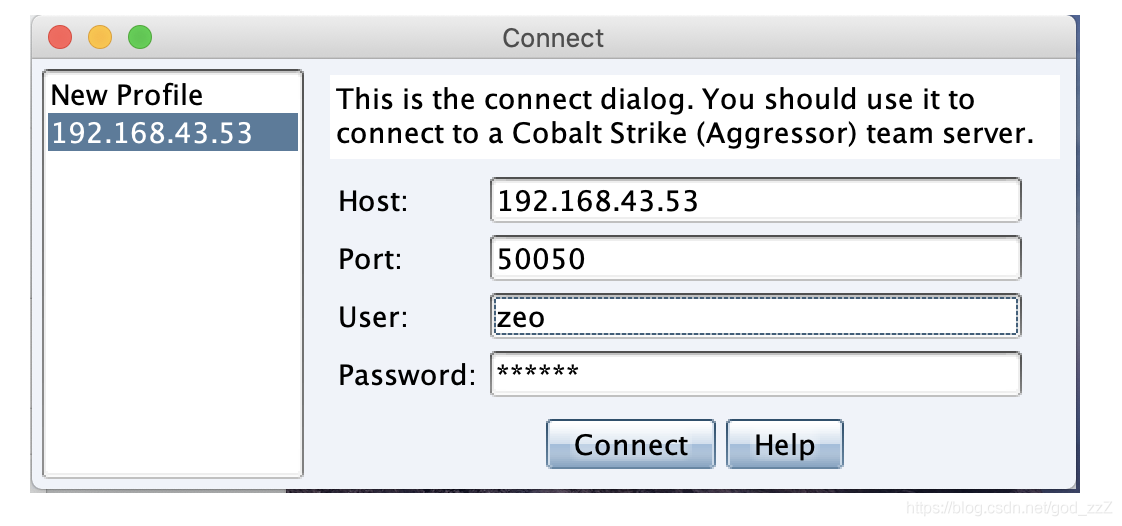
### Client GUI
Login successful.