Mini Program Penetration Testing—Unpacking, Debugging, and Decrypting the Front End
A guide to unpacking, decompiling, and debugging WeChat Mini Program front-end packages using Node.js, wxappUnpacker, WeChat Developer Tools, an Android 6 MuMu emulator, and MT Manager.
Read in Chinese→0x01 Environment Used
- Node.js environment
- wxappUnpacker
- WeChat Developer Tools
- NetEase MuMu Emulator (Android 6 version)
- MT Manager (a file management tool in the emulator)
0x02 Compilation Stage
- First, locate the Mini Program installation package. You can use a phone, open the Mini Program, and then find the relevant directory in the phone’s file system. It is usually a directory like this:
/data/data/com.tencent.mm/MicromMsg/c6dxxxxxxxxxxxxx/appbrand/pkg/*.wxapkgNote: Root access is required at this point.
MT Manager
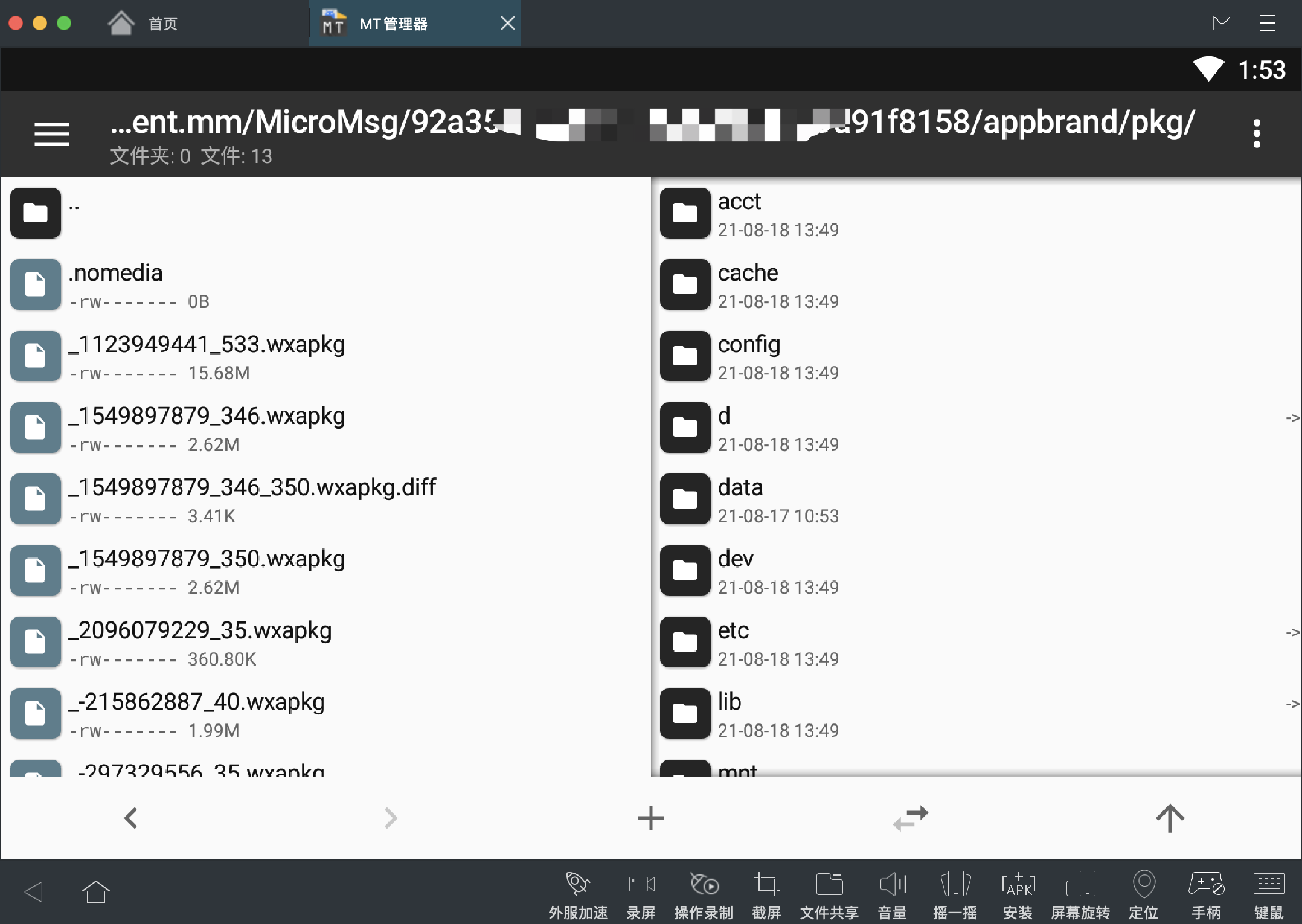
Then find a way to export these packages from the phone. (If there are many wxapkg files, it is recommended that you clean them up and restart the target Mini Program.)

0x03 Decompile wxapkg to Obtain the Source Files
An expert on GitHub has already written a Node.js version. There are also other versions, such as a Python version. The specific version does not matter as long as it works.
GitHub address:
Navigate to the directory containing the downloaded decompilation scripts, then install the required dependencies one by one in a Node.js command window.
The list of dependencies provided in the project is incomplete. If you encounter errors, check the issues. The dependencies below are those I installed to get it running.
1. 解包主包
   - windows系统使用: `./bingo.bat testpkg/master-xxx.wxapkg`
   - Linux系统使用: `./bingo.sh testpkg/master-xxx.wxapkg`
2. 解包子包
   - windows系统使用: `./bingo.bat testpkg/sub-1-xxx.wxapkg -s=../master-xxx`
   - Linux系统使用:  `./bingo.sh testpkg/sub-1-xxx.wxapkg -s=../master-xxx`
Actual execution results:
./bingo.sh /Users/zy/Documents/pentest_tools/xcx/rongegou/_1549897879_353.wxapkg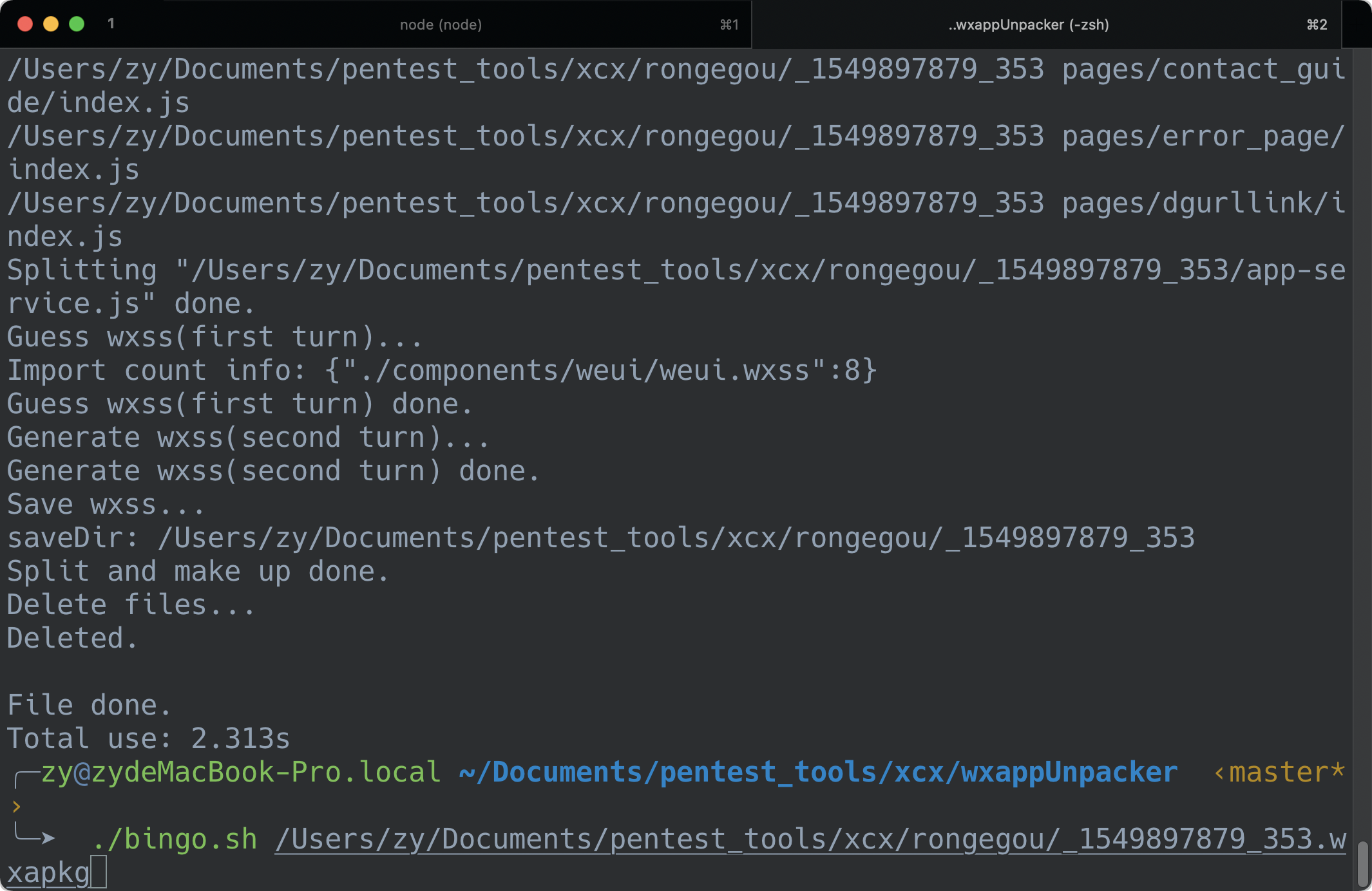
Open it in VS Code to view the source code.
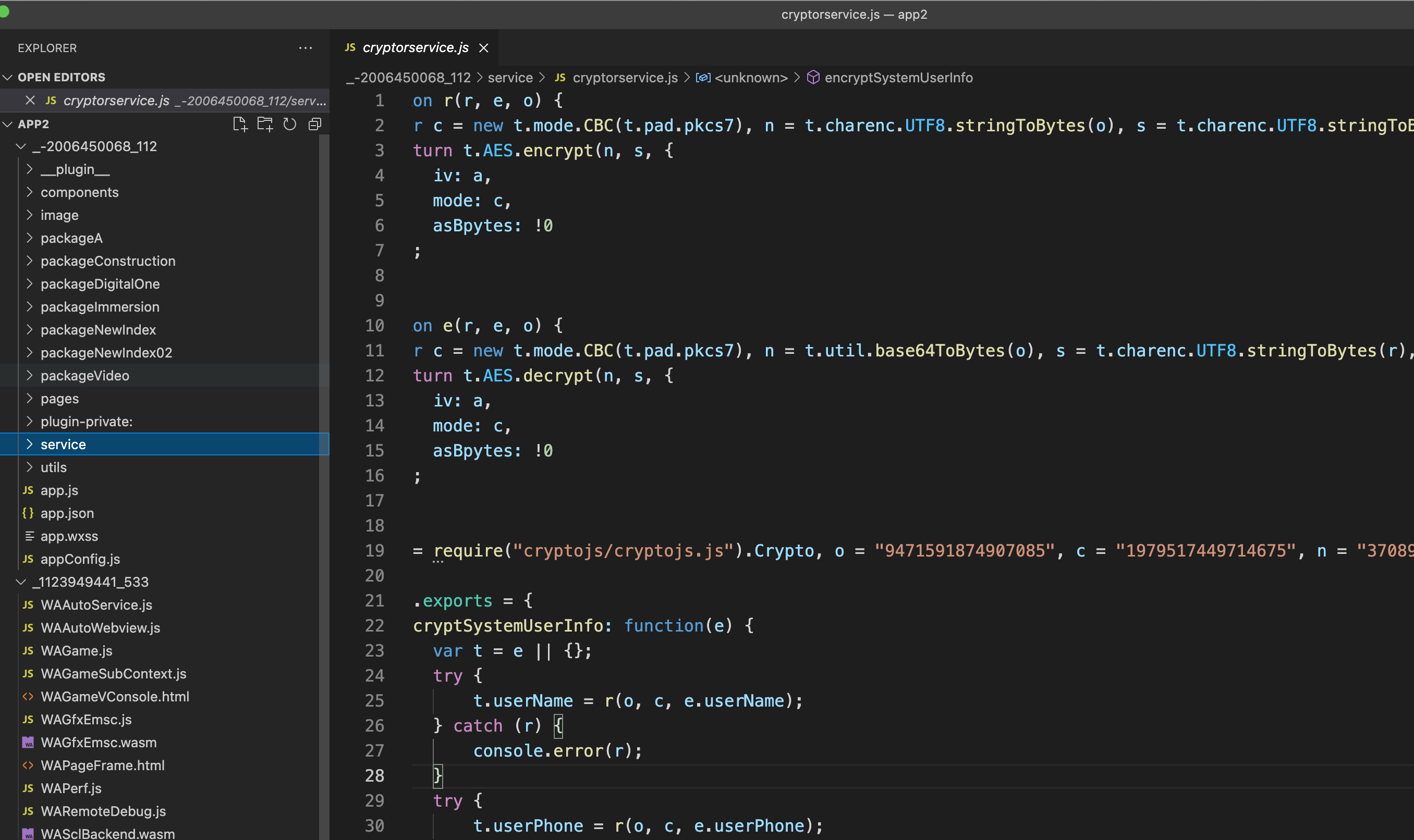
0x04 Debugging with WeChat Developer Tools
Download WeChat Developer Tools.
https://developers.weixin.qq.com/miniprogram/dev/devtools/download.html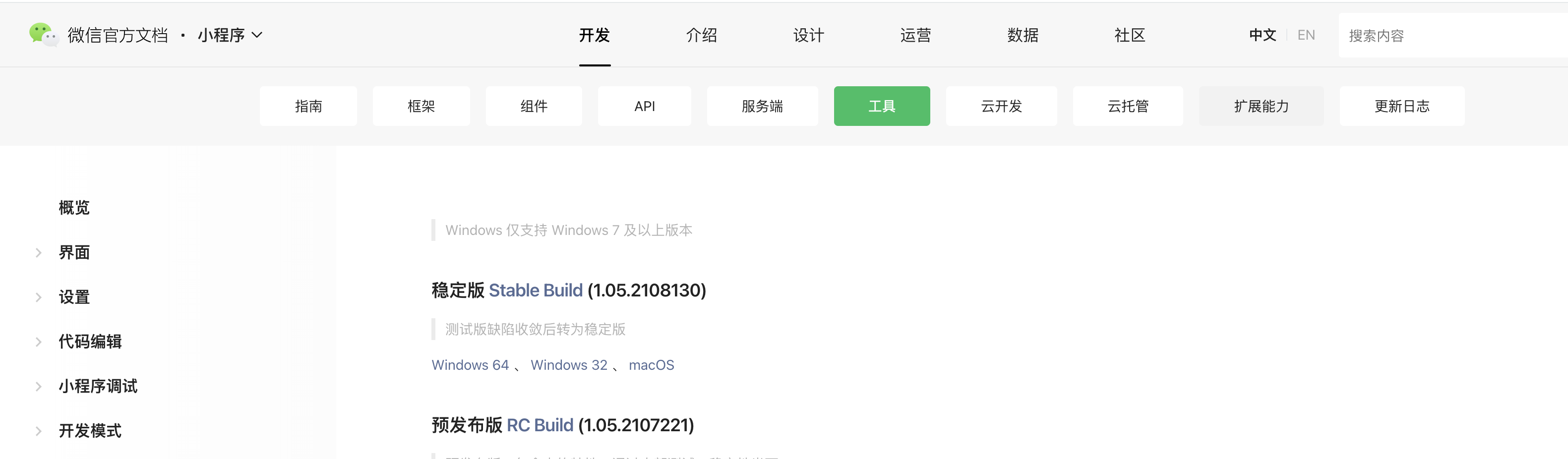
项目-导入项目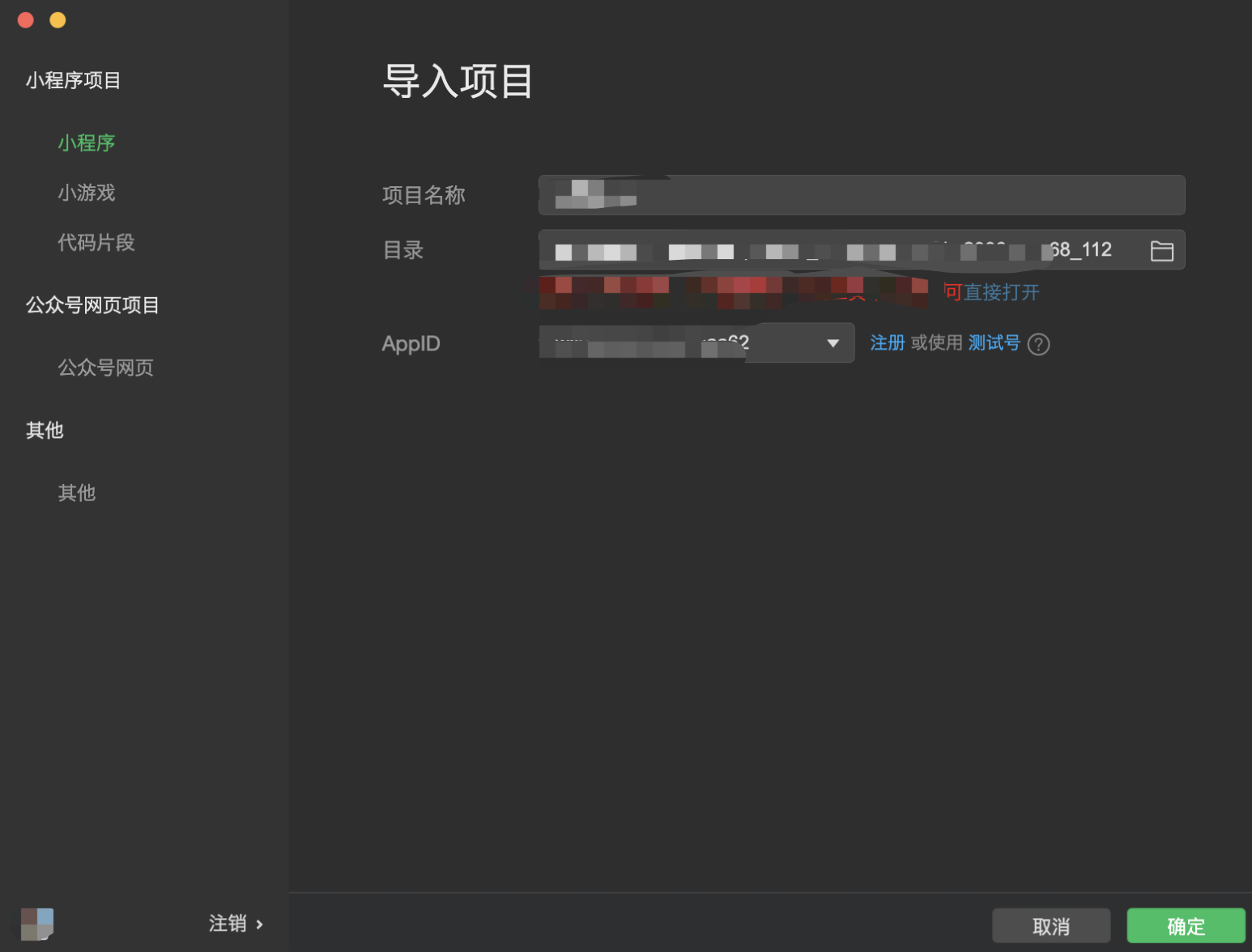
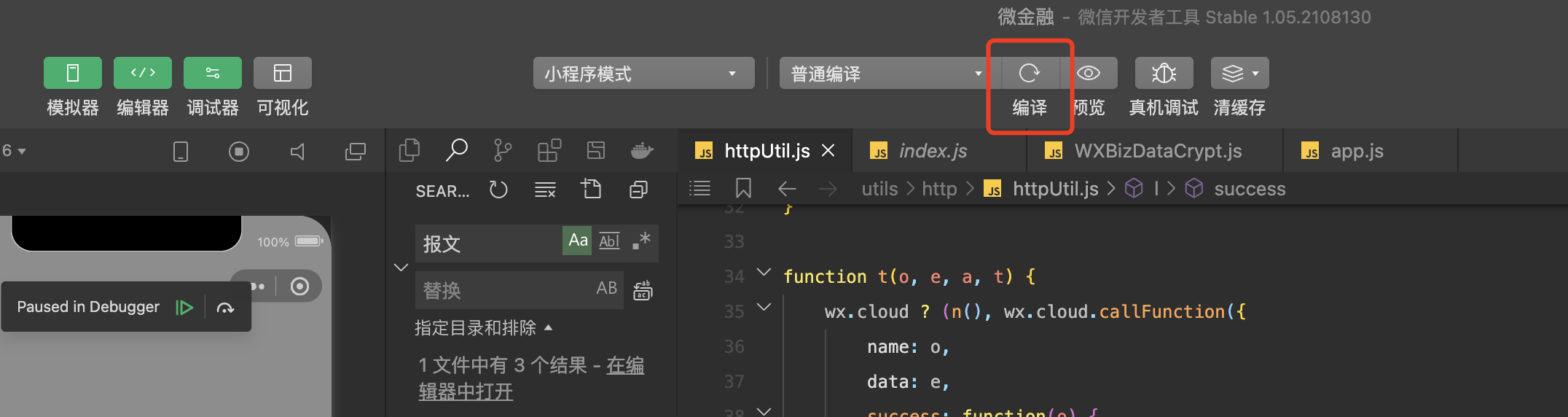
Click Compile to run it. You can then proceed with debugging.
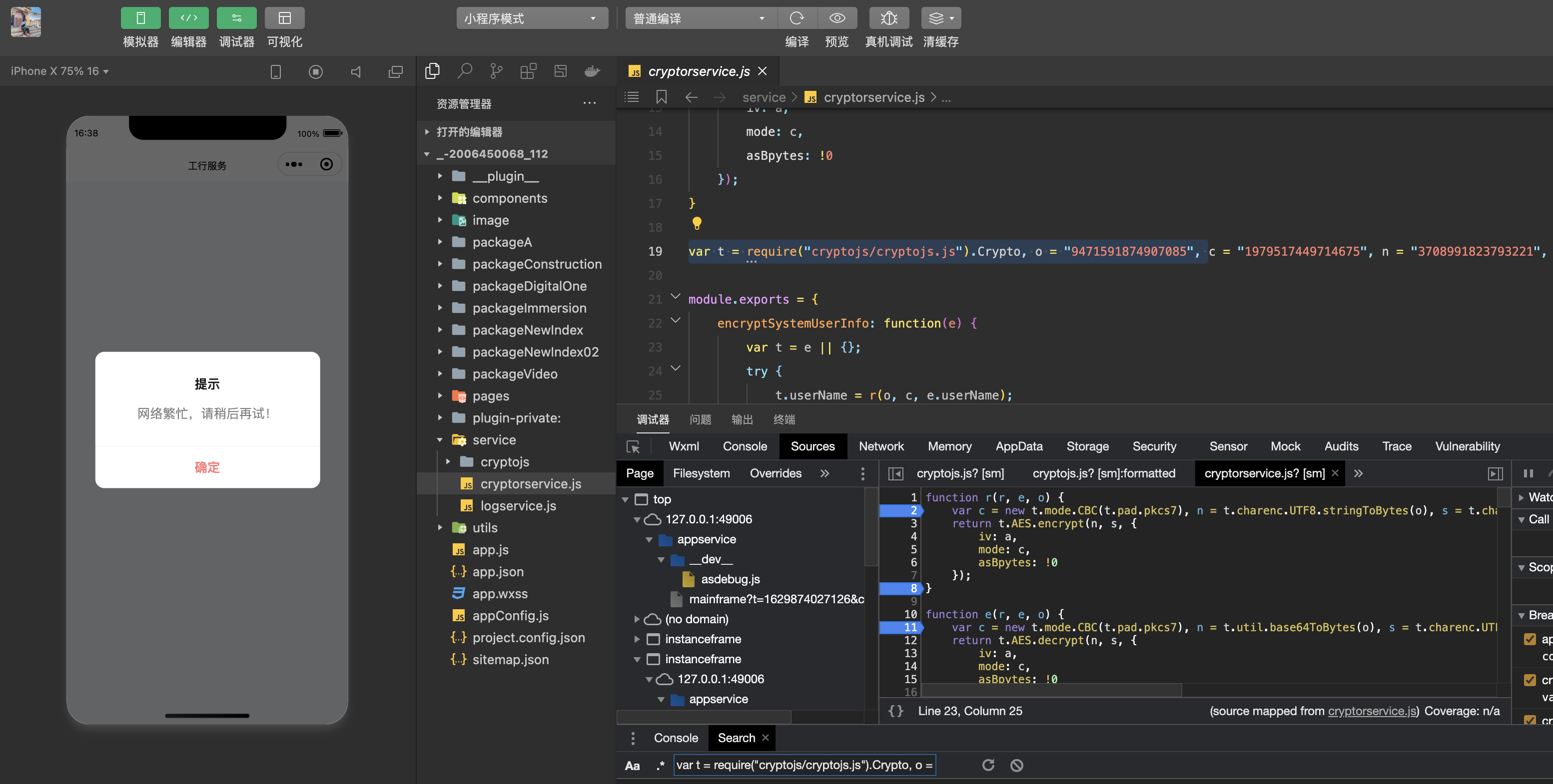
0x05 Solution:
After seeking answers in the WeChat community, I found that the best approach is to use cloud functions to avoid embedding keys in the front-end application.