Incident Response / Scanning Linux with D-Shield via a Mounted Drive
0x00 Scanning Linux with D-Shield via a Mounted Drive This method solves the problem of being unable to use D-Shield to detect and remove webshells on Linux. Mount the Linux file system on Windows over SSH, and then scan it. 0x01 Environment Setup Install D-Shield D-Shield is commonly used during incident response to scan for Webshells. D-Shield download address: D-Shield Firewall \(d99ne…
Read in Chinese→0x00 Scanning Linux with D-Shield via a Mounted Drive
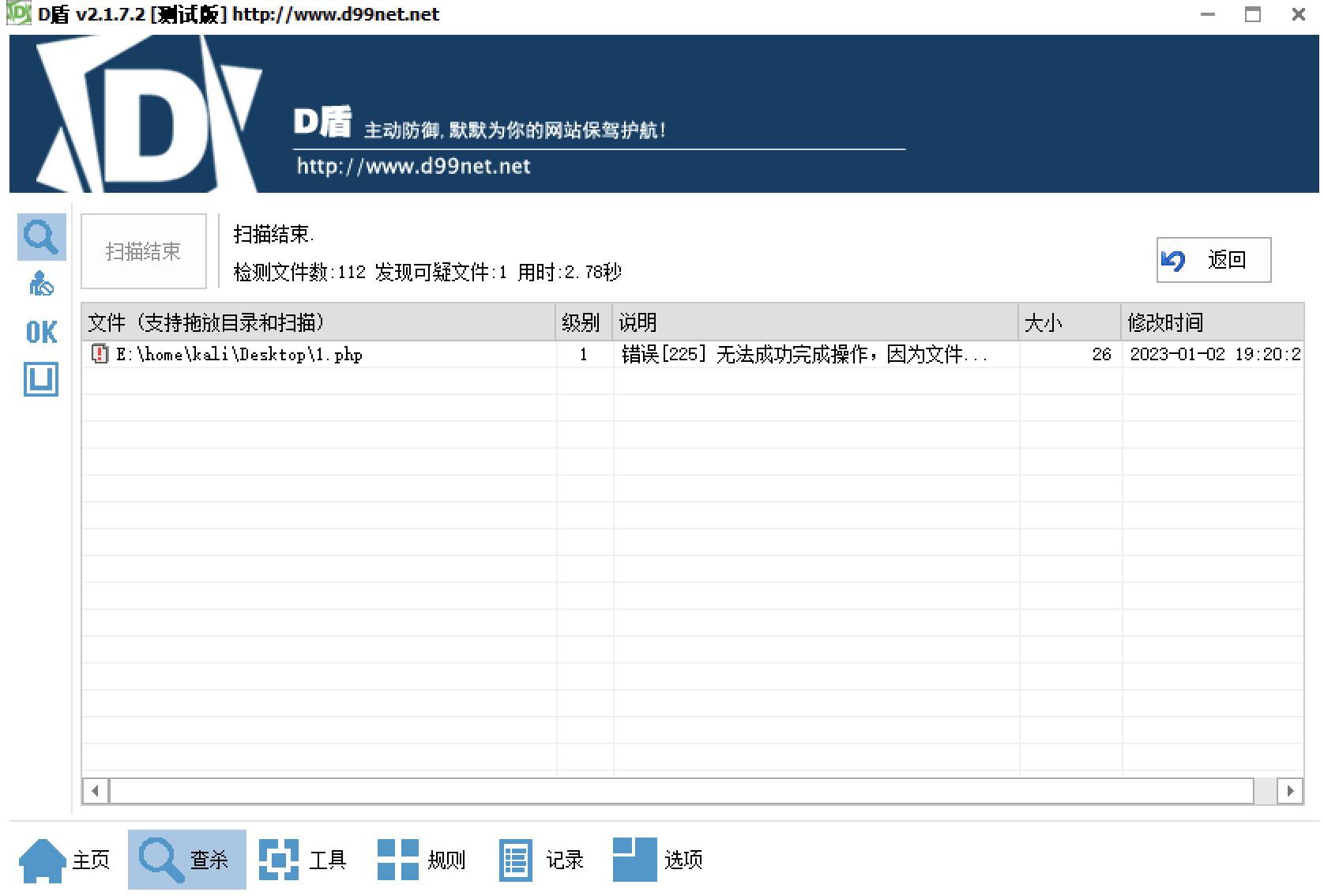
This method solves the problem of being unable to use D-Shield to detect and remove webshells on Linux.
Mount the Linux file system on Windows over SSH, and then scan it.
0x01 Environment Setup
Install D-Shield
You have probably used D-Shield before. It is often used during incident response to scan for Webshells.
D-Shield download:
D-Shield Firewall (d99net.net)
Tips
如果在 win10 win11 运行有问题,可以选择 win7 的兼容模式
最新版是正常使用的
Install SSHFS
SSHFS solves the problem of being unable to use D-Shield to detect and remove webshells on Linux.
First, install the driver:
https://github.com/winfsp/winfsp/releases/download/v1.12.22339/winfsp-1.12.22339.msi
SSHFS:
https://github.com/evsar3/sshfs-win-manager/releases/download/v1.3.1/sshfs-win-manager-v1.3.1.zip
0x02 Configuration
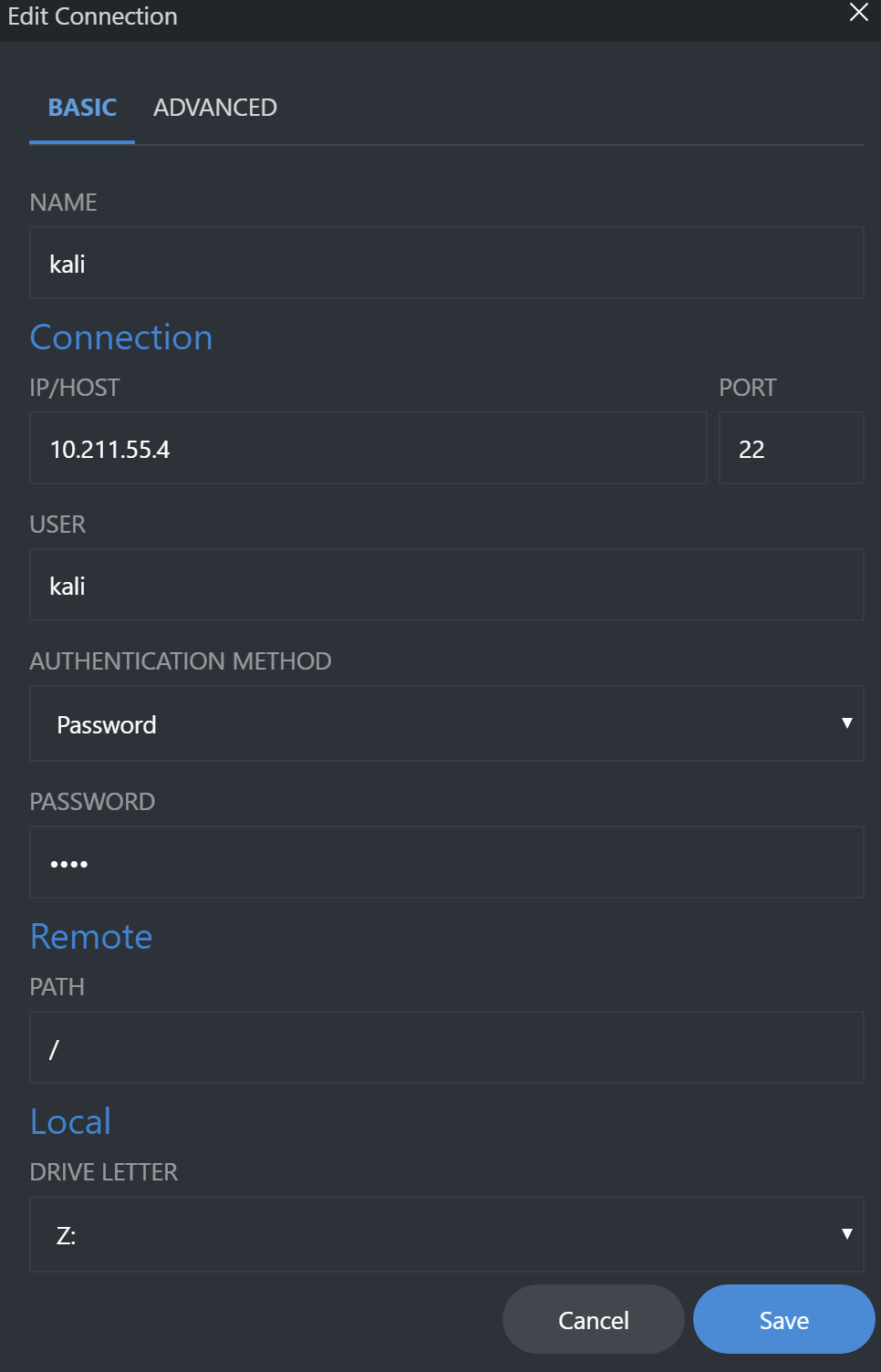
First, connect over SSH, and then map the drive.
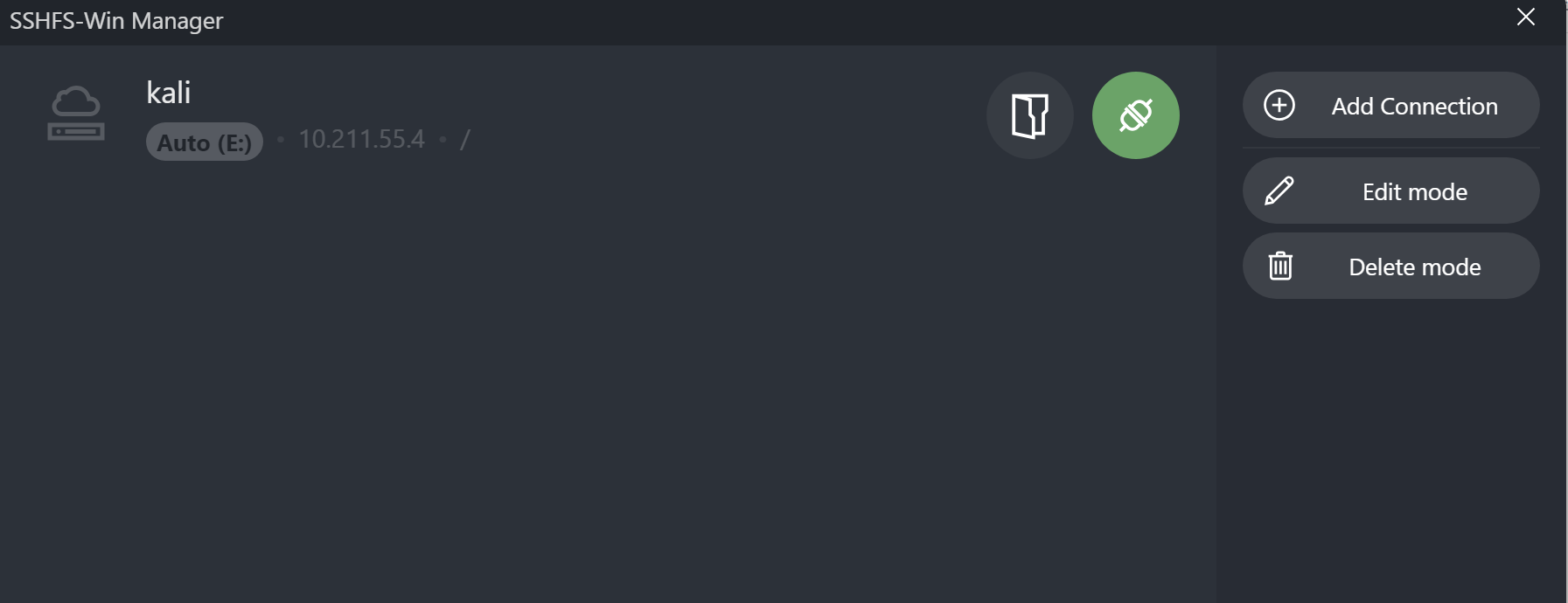
Then connect.
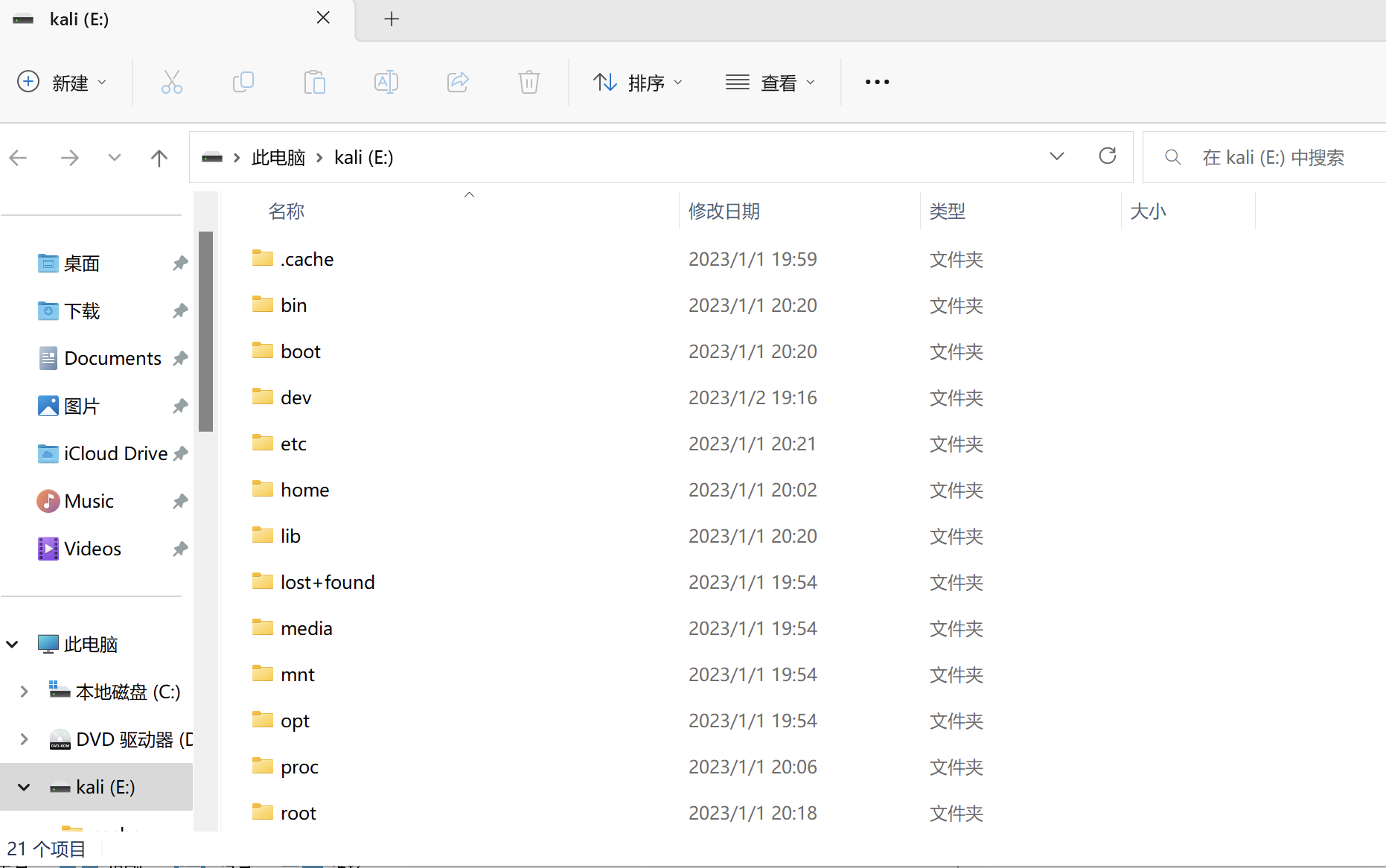
A new drive will appear and be mounted directly in Windows. The rest should be straightforward.
0x02 Scanning
Simply use D-Shield to scan the custom directory.