How to Fix Packet Capture Failure for Android WeChat Mini Programs
The project requires testing a mini program, but no packets can be captured despite trying multiple methods. This article explains the certificate trust behavior of different Android and WeChat versions and presents an emulator-based solution.
Read in Chinese→The project requires testing a mini program, but no packets can be captured despite trying multiple methods. What can be done?
I came across an article shared by an expert:
On Android versions below 7.0, all versions of WeChat trust certificates provided by the system.
On Android 7.0 and above with WeChat versions below 7.0, WeChat trusts certificates provided by the system.
On Android 7.0 and above with WeChat 7.0 and above, WeChat trusts only its own configured certificate list.
With the above as the basic premise, I found a method that I consider relatively simple:
Required tools:
① XposedInstaller_3.1.5.apk
② weixin673android1360.apk (must be below version 7)
③ JustTrustMe1.apk
④ BurpsuiteV2.0
⑤ The latest version of NoxPlayer (running Android 5)
https://pan.baidu.com/s/1qhivzmRiAmWJnf7Z-VMjhQ(123工具已分享)
- The advantage of this method is that there is no need to purchase an additional physical device for testing. Everything can be done directly in the emulator, so you can get started right away.
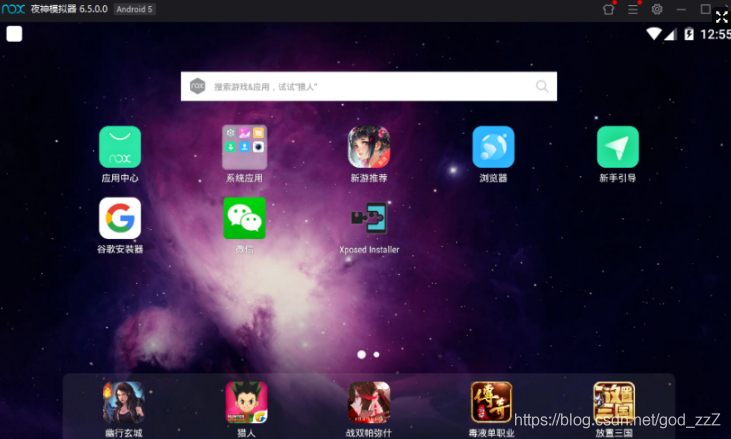
- Beginners should note: Install the Xposed framework yourself first. A restart is required after installation.
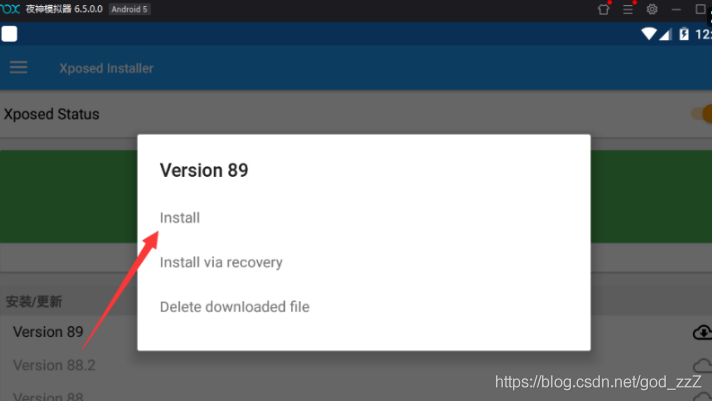
- The JustTrustMe module must be enabled.
![Insert image description here](/images/20191230131739792.png 4. Finally, configure the proxy to point to Burp.
Reposted for learning from the expert Tianzhi Jiaozhi.