Environment Setup2 min read
Using iftop for Traffic and Rate Monitoring
Use iftop to monitor network traffic and the total transmission rate, including installation on macOS, basic usage, configuration options, and shell scripts.
Read in Chinese→0x00 Using iftop for Traffic and Rate Monitoring
Use iftop to monitor network traffic and the total transmission rate.
0x01 Installing iftop on macOS
brew reinstall iftop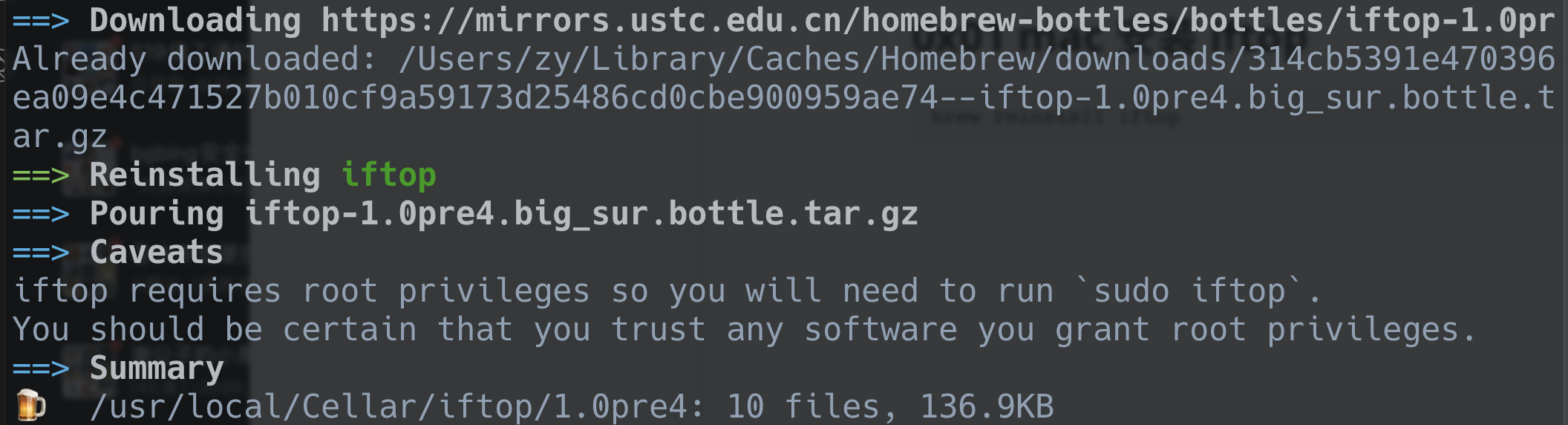
Note: If a 403 error occurs and the download fails immediately, it is recommended to switch the Homebrew source and then try the installation again.
Reference: https://blog.csdn.net/god\_zzZ/article/details/119422419
Create a Symlink
ln -s /usr/local/Cellar/iftop/1.0pre4/sbin/iftop /usr/local/bin/iftopView the help information to verify that the installation was successful.
iftop -h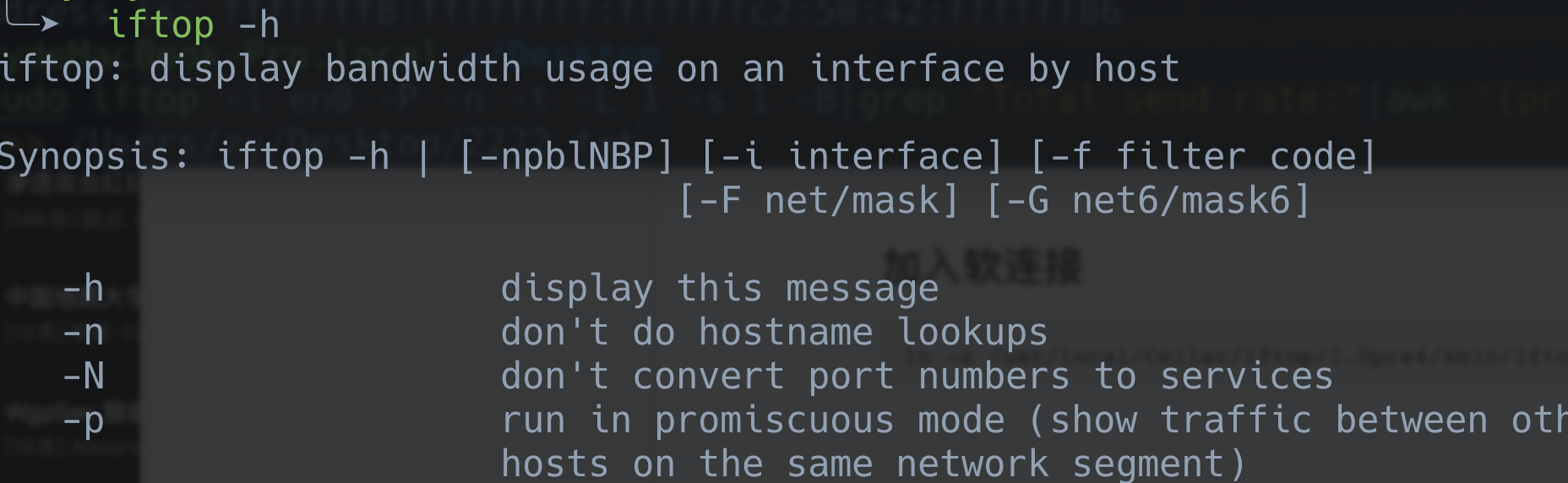
0x02 Basic Usage
Monitor traffic on the en0 network interface.
sudo iftop -i en0 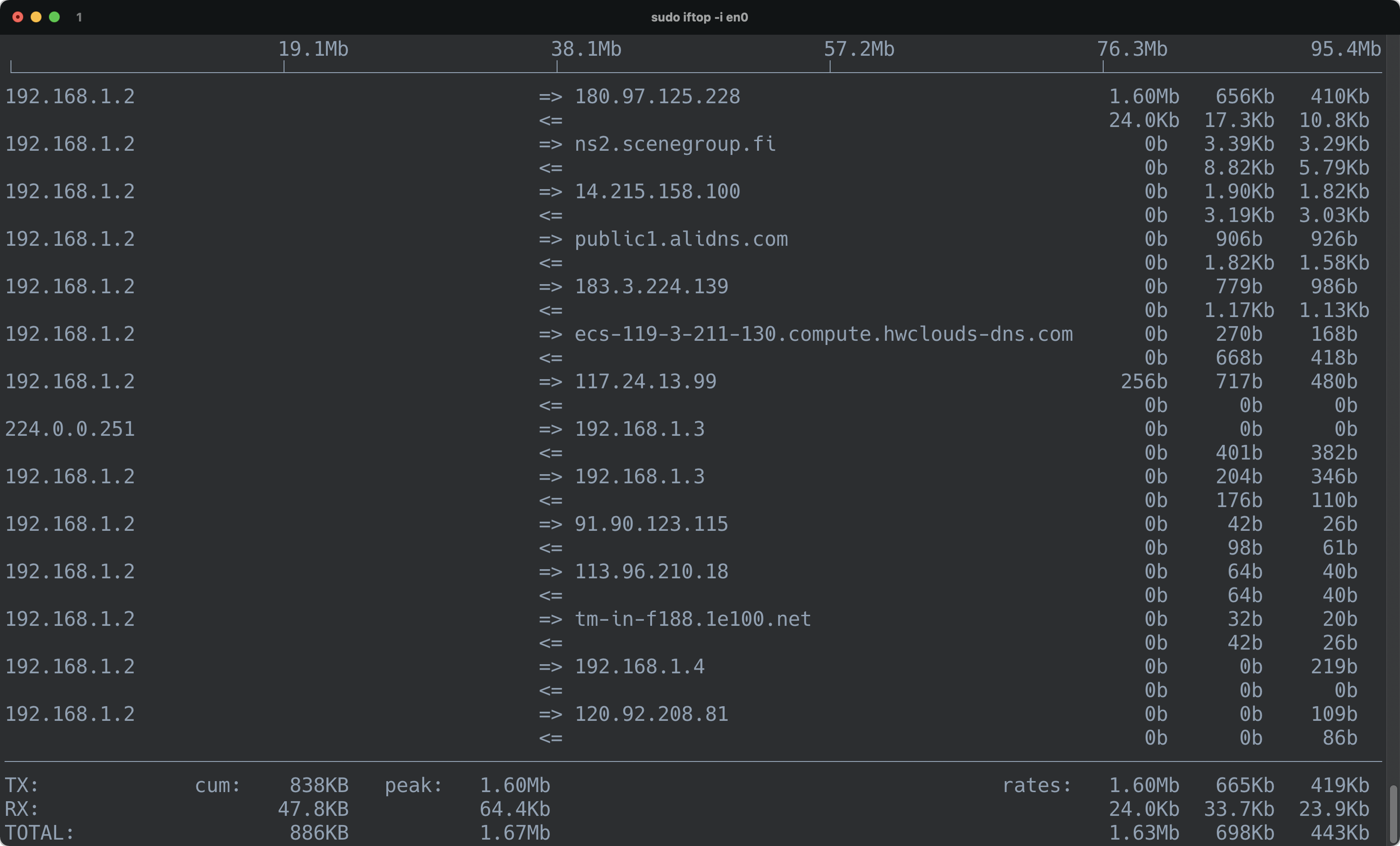
Other option settings:
-i设定监测的网卡,如:# iftop -i eth1

-B 以bytes为单位显示流量(默认是bits),如:# iftop -B

-n使host信息默认直接都显示IP,如:# iftop -n

-N使端口信息默认直接都显示端口号,如: # iftop -N

-F显示特定网段的进出流量,如# iftop -F 10.10.1.0/24或# iftop -F 10.10.1.0/255.255.255.0

-h(display this message),帮助,显示参数信息

-p使用这个参数后,中间的列表显示的本地主机信息,出现了本机以外的IP信息;

-b使流量图形条默认就显示;

-f这个暂时还不太会用,过滤计算包用的;

-P使host信息及端口信息默认就都显示;

-m设置界面最上边的刻度的最大值,刻度分五个大段显示,例:# iftop -m 100M
0x03 Shell Scripts
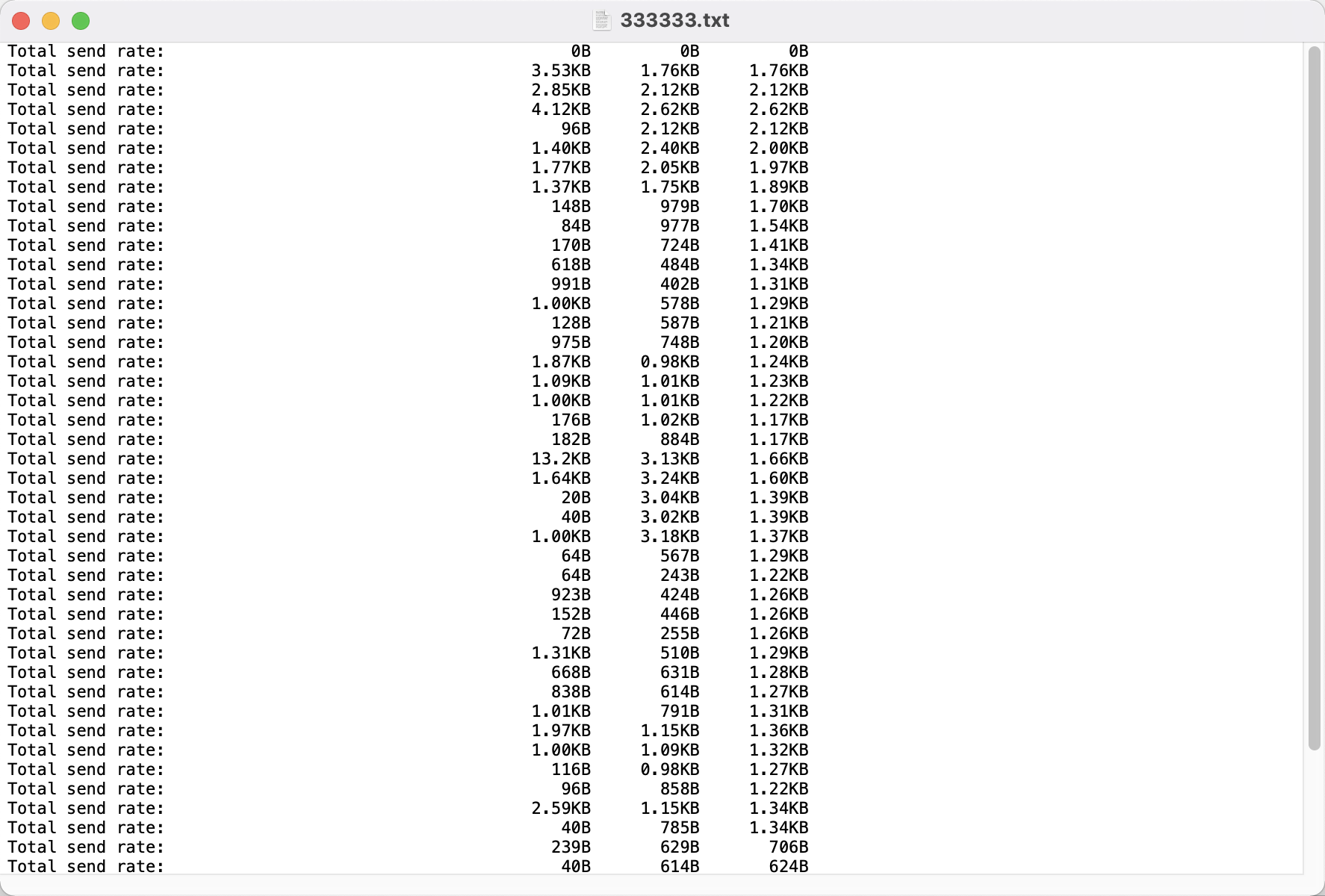
sudo iftop -i en0 -P -n -t -L 1 -s 1 -B|grep "Total send rate:"|awk '{print $4}' >> /Users/zy/Desktop/2222.txt|grep "Total send rate:" 筛选最后速率一行的全部
| awk '{print $4}' 输出第几个位置的